People leave Google Photos for storage costs, for privacy, or simply to stop depending on one company for the family archive. The hard part is not the export; it is what to do with fifty thousand photographs once they are on a disk. This guide covers both, and is honest about what Reminisce is and is not.
First, be clear about what Reminisce is
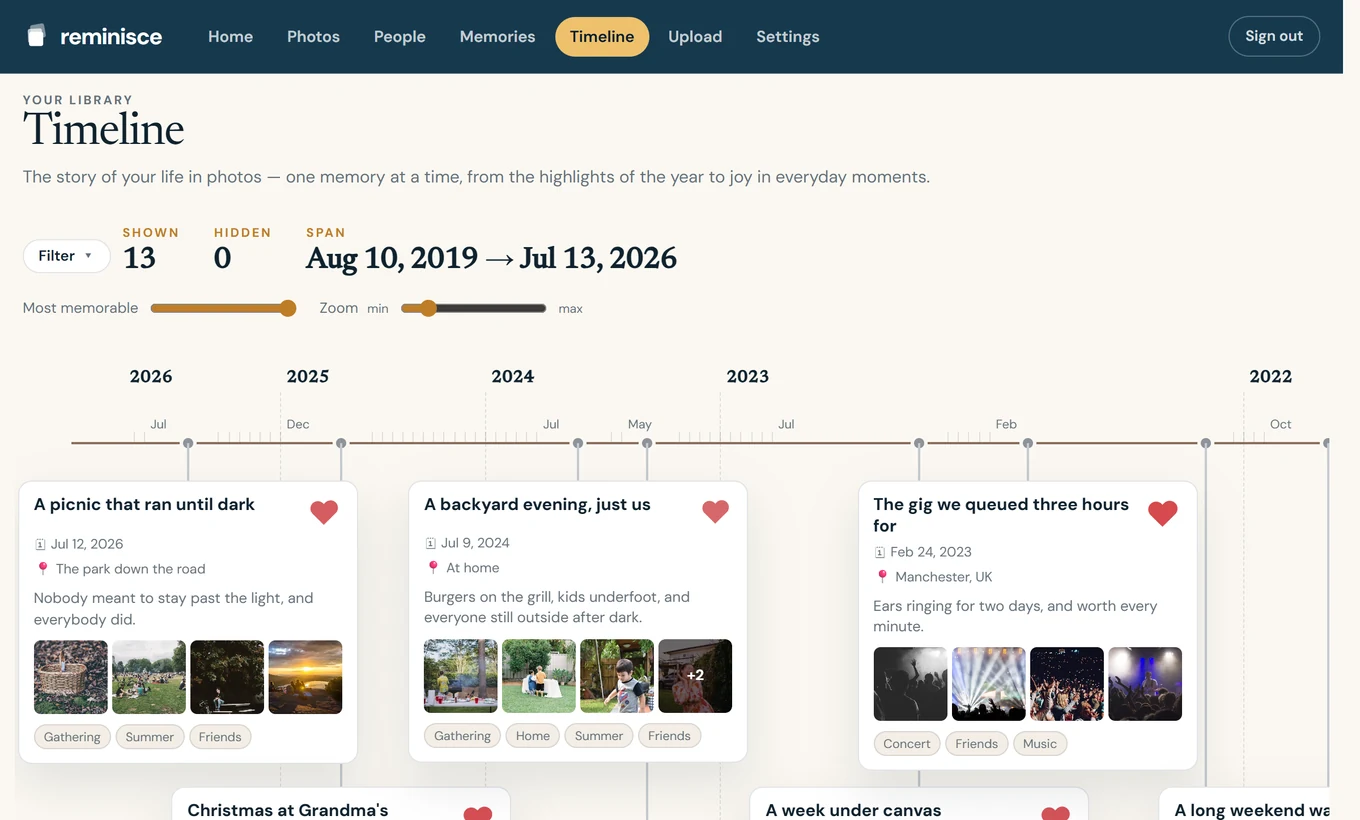
Reminisce is not a storage or backup service, and we do not recommend it as your only copy of anything. It is a memories service: it reads your photos, groups them into occasions, and sends you one written story a week with the best pictures, plus a timeline across every year on the web. Keep your originals somewhere you trust. Reminisce gives them a reason to be looked at again.
Step 1: export with Google Takeout
- Go to Google Takeout and select only Google Photos.
- Choose the archive size and format. Large libraries arrive as several ZIP files.
- Download every part and keep them together. Each photo comes with a small JSON file of metadata; the originals themselves keep their capture dates and, usually, their locations.
Verify the download before deleting anything from Google. Count files, open a few from different years, and keep the archive on at least two drives or one drive and one other service.
Step 2: decide where the originals live
A local drive plus an offline copy, a NAS, or another cloud provider all work. The point is that you own the copy. Photos on your phone today can also stay exactly where they are; Reminisce reads the iPhone library directly, and the Android app is coming.
Step 3: bring the archive into Reminisce
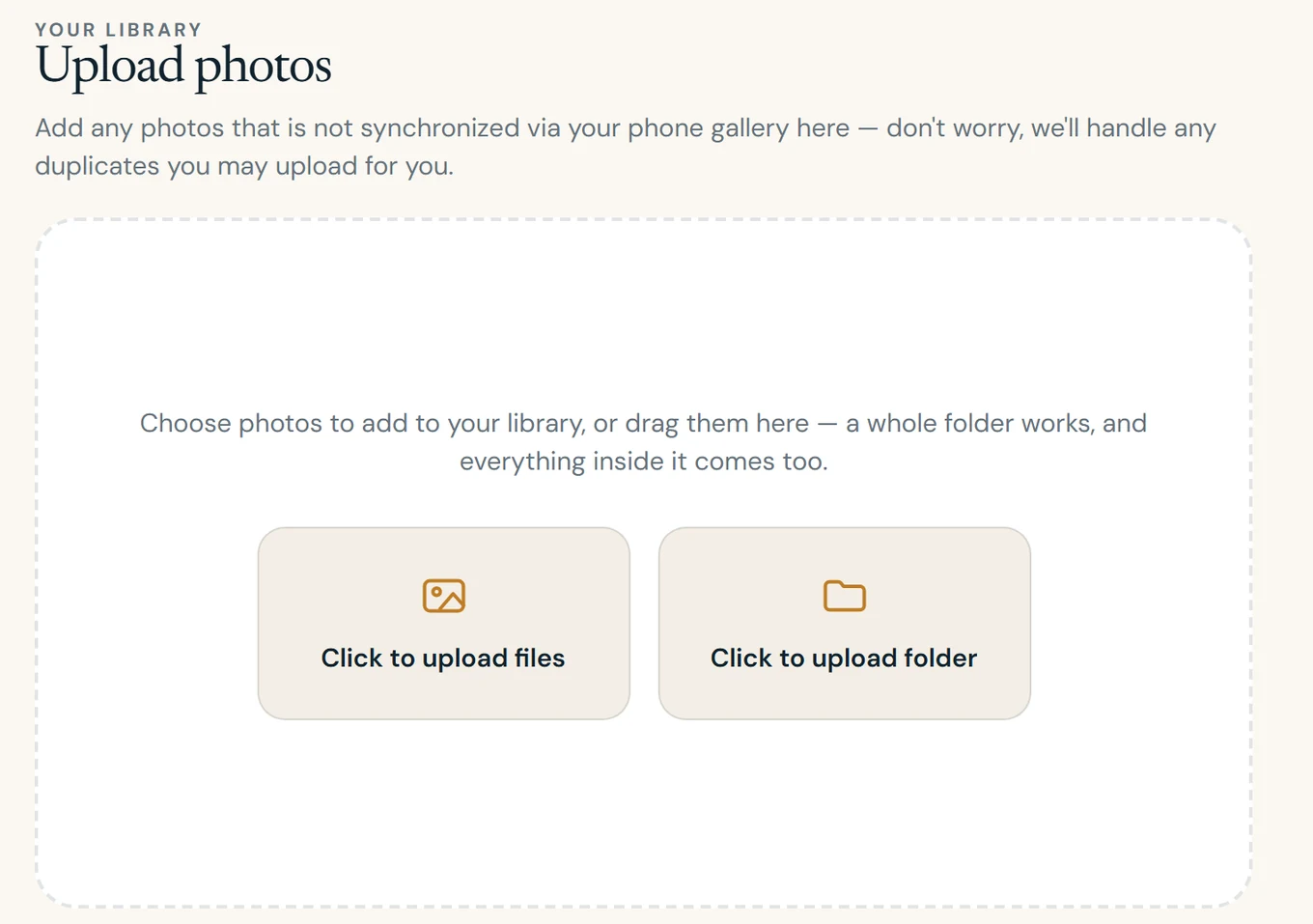
With Premium, open the web app and upload the exported photos from your browser. Uploads resume if a connection drops, so a large archive can be left running. Reminisce uses each photo's capture date and location to place it on the timeline, so the export's folder structure does not matter. Once processed, the archive is treated exactly like phone photos: grouped into occasions, filtered for duplicates and poor shots, and eligible for weekly stories.
Why the privacy-minded pick Reminisce
- Hosted in Europe. Photos, databases and email run on Scaleway infrastructure configured in Paris, France.
- No ads, no profiling. Premium subscriptions pay for the service. Your library is never used for advertising or to train models.
- Consent is explicit and separate. Sending selected reduced-size photos to the AI that writes stories is one choice; grouping faces is another. Both can be declined or withdrawn.
- Export and delete are real. A self-serve export gives you your account data and original photos; account deletion removes them.
Read our Privacy Policy, or see how Reminisce memories differ from Google Photos Memories.
What it costs
Web upload of an archive needs Premium, 9.95 EUR a month or less on the annual plan, which also opens every year of your library and keepsake books. Details on the pricing page.
Start remembering
Your best photos are already there.
Free to start on iPhone. Android is coming.